How to Embed a Video

Step 1: Find the video you want to embed

Go to the video service website and find the video you want to embed.

Finding a video

Step 2: Click on the Share button

Click on the "Share" button below the video player.

Clicking the Share button

Step 3: Copy the embed code

Click on the "Embed" tab and copy the provided HTML code.

Copying the embed code

Step 4: Paste the embed code into your website

Paste the HTML code into your website's HTML file where you want the video to appear.
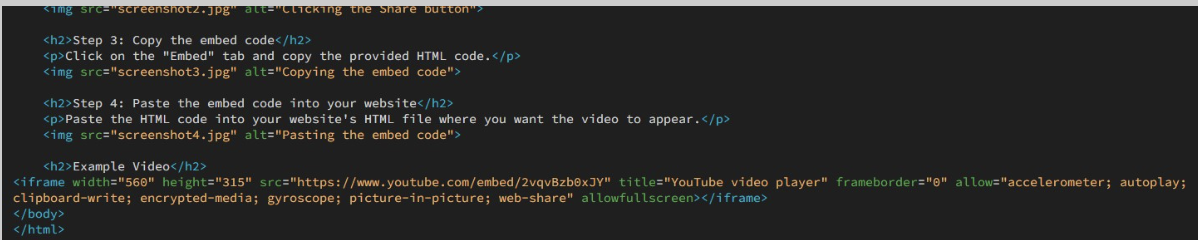
Pasting the embed code

Example Video